Free shopping app for ShopRite users
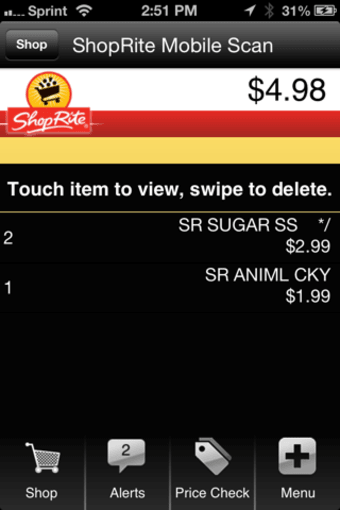
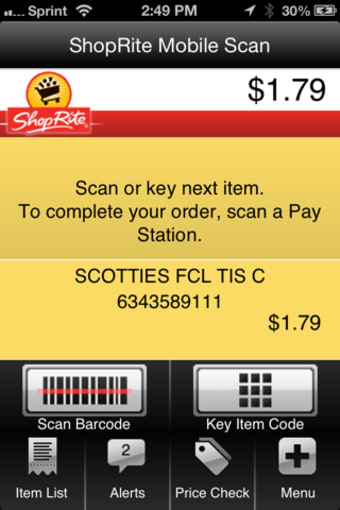
ShopRite Mobile Scan or simply Mobile Scan is a free shopping mobile app that allows you to scan your ShopRite items with your phone. Developed by Wakefern Food Corp, Mobile Scan is ShopRite’s official self-service option that you can use to save time from lining up at the check-out lanes. You only need to scan the items’ barcodes to get them in your virtual cart. The app also alerts you of any discounted items at the aisles you visit that may interest you.
Easy shopping
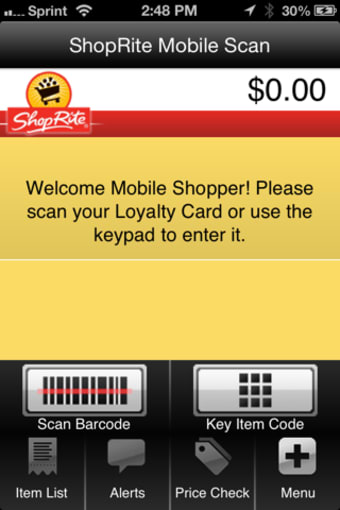
ShopRite Supermarkets is a retailers' cooperative of supermarkets, all under Wakefern Food Corporation. It’s one of the popular stores in selected American states. ShopRite has a good number of mobile apps that help loyal shoppers go through their services. One of these is Mobile Scan and is for self-service shopping. Once you get the app, you have to visit a ShopRite store to register your account—in which you’ll be needing a valid ID, a Price Plus club card, and an email address to complete your enrollment.
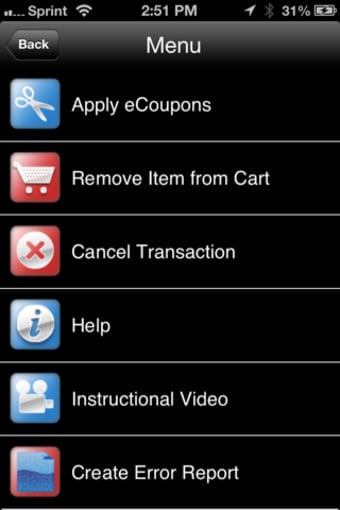
Using Mobile Scan is pretty straightforward. Simply have to scan the items’ barcodes or manually input their key code. Barcodes can found on the items and the shelves. To weigh produce, just scan the price, go to the store’s Weigh Station, sync your phone with the station to get your produce items’ prices, choose the items, and then weigh them on the machine to update the prices. While shopping, you should bag your items straight away with your own reusable bags so you can quickly finish your checkout.
During checkout, you just sync your phone with the check-out station and choose which payment method you want—whether it’s cash, gift card, or banking card. If you happen to lose connection, you can still continue shopping while offline, but you need to reconnect to check out. If you need to take a phone call, you can still go back to your shopping list after reopening the app. You may experience some issues with the app but you can always ask for help from the ShopRite staff.